How to create a .ixd file
What is a .ixd file?
It is a file that can be exported from the interCAD Editor program.
https://www.intercad.com/solution/ixd?
IXD | Solution | interCAD
IXD는 ECAD 설계 데이터를 통합·공유하기 위해 개발된 포맷으로, 다양한 툴의 Schematic, Layout, Gerber 데이터를 하나의 파일로 안전하게 통합하고, interCAD Reader를 통해 누구나 열람할 수 있습니다.
www.intercad.com
The following output method assumes that you have imported the PCB/Schematic drawings before starting.
Please refer to the YouTube link below for instructions on how to import drawings into interCAD Editor.
https://www.youtube.com/watch?v=0CFuWTuwzis&list=PLYg5cPDE9CA6gwP6BTXWjwnCVANQ2pcyp&index=19
Output Method
1. Click the Save button in the top-left menu.
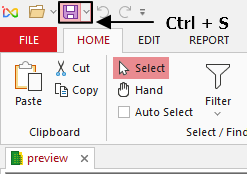
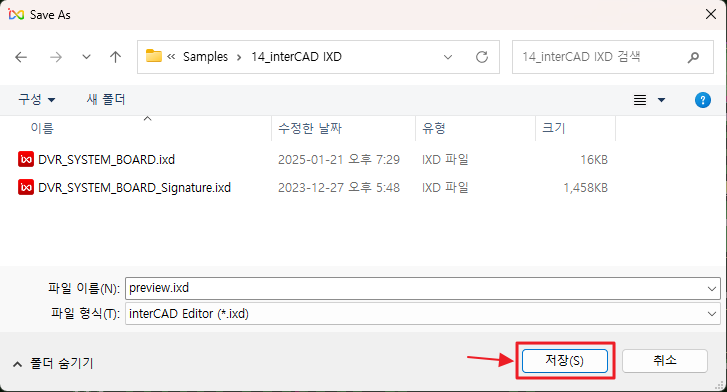
Clicking the Save button will generate a .ixd file.
2. Use the SharePackage feature.
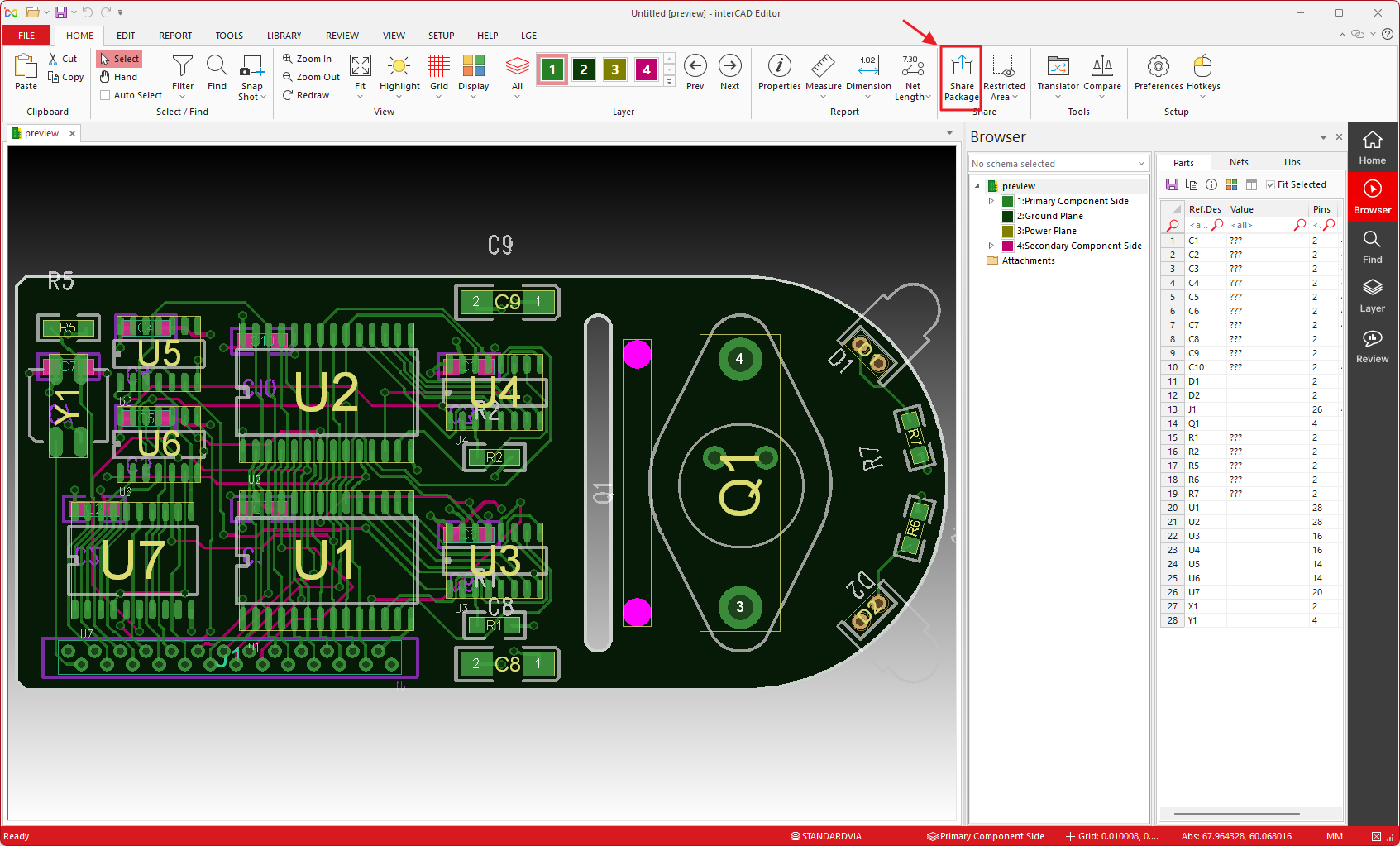
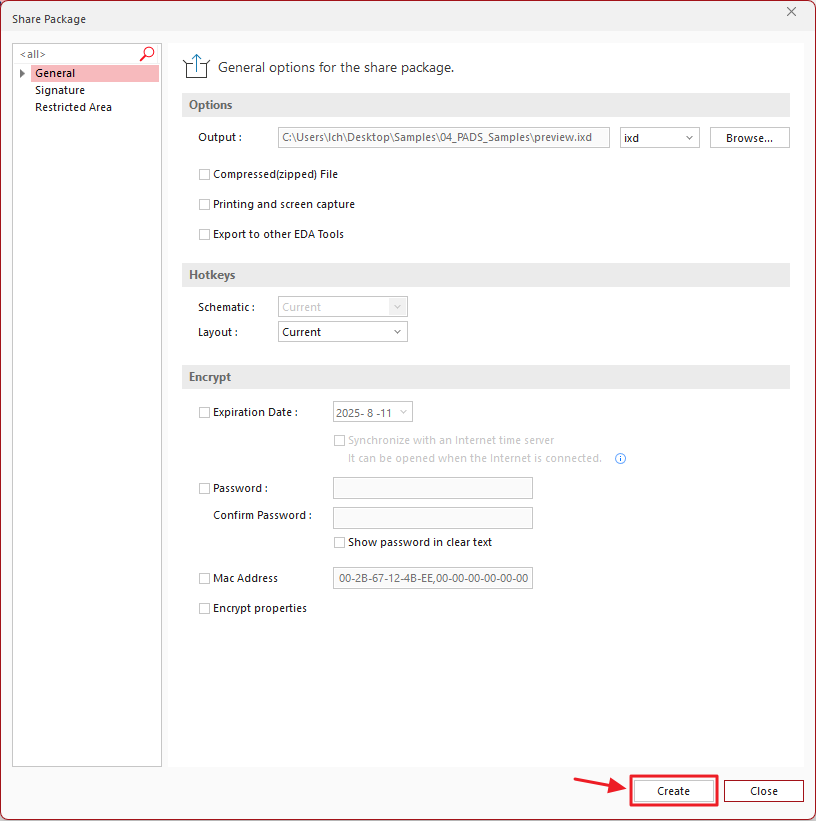
After clicking the SharePackage button, click the Create button on the screen that appears.
A .ixd file will be generated.
If you would like to learn more about the options for the SharePackage feature, please refer to the YouTube video below.
https://www.youtube.com/watch?v=1jGMaSCOOaM&list=PLYg5cPDE9CA6gwP6BTXWjwnCVANQ2pcyp&index=1
Thank you.